Windows 11 Review
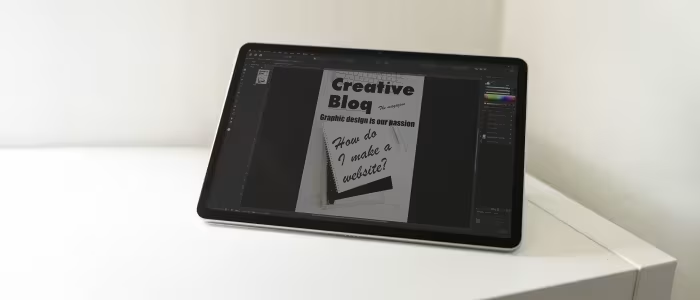
Microsoft Windows 11
Microsoft's latest desktop operating system, emphasizing a modernized, AI-integrated interface and improved window management for diverse hardware form factors.
How This Score Is Calculated
- Sources analysed: 35 reviews
- Raw weighted average: 7.4/10
- Consensus bonus +0.3: High agreement on UI/Design
- Final score: 7.4/10
- Most reviewed featureUI/Design (22/35)
- Most praisedWindow Management
- Most criticisedStrict System Requirements
- Reviewer consensus levelHigh
Windows 11 represents a significant visual and functional refinement for Microsoft, introducing a clean, centered UI and advanced multitasking tools like Snap Layouts. While widely praised for its design consistency and gaming performance, reviewers remain divided over its strict hardware requirements—specifically TPM 2.0—and the lack of compelling reasons to upgrade from Windows 10. It is currently the standard for modern productivity and gaming, though it continues to struggle with tablet optimization.
🔧 Key Specifications
- Security: TPM 2.0 and Secure Boot required
- Gaming: DirectStorage support
- AI Integration: Microsoft Copilot
- Mobile: Amazon Appstore (Android support)
- Interface: Centered Taskbar, Fluent Design
📊 What Reviewers Say — Feature by Feature
👍 Key Strengths
- Modernized, clean UI design
- Excellent multi-window management
- Strong gaming feature support
- Enhanced security architecture
👎 Key Weaknesses
- Strict, confusing hardware requirements
- Underbaked AI implementation
- Inconsistent tablet/touch optimization
- Limited Taskbar customization
💰 Value for Money Analysis
Windows 11 is generally provided as a free upgrade for eligible hardware, making the "value" proposition dependent on the purchase of the PC itself. Retail licenses are available for approximately ₹11,800 to ₹16,700.
⚡ Where Reviewers Disagreed
- Taskbar Utility: 12 sources praise the centered taskbar for its modern aesthetic, while 8 sources argue it is less customizable and informative than the Windows 10 iteration.
🎯 Who This Product Is For
🛠️ Best Use Cases
- Professional Workstations Excellent for multitasking and security-conscious business environments. Great
- Tablet/Touch Usage Reviewers note the touch interface remains less optimized than dedicated tablet OS competitors. OK
🔀 Alternatives Mentioned by Reviewers
- macOS — The primary competitor to Windows 11, noted by reviewers for its consistent ecosystem and design, though Windows 11 is cited as having superior window management.
- Windows 10 — Often cited by reviewers as the benchmark for stability and customization, with many users opting to stay on it due to the lack of compelling new features in Windows 11.
- ChromeOS — Occasionally mentioned as a simpler, more lightweight alternative for basic browsing and student-focused tasks.
✅ Buy This If…
- You are building a new PC for gaming or professional productivity.
- You want the latest security updates and long-term software support.
❌ Skip This If…
- You rely on older software that may have compatibility issues.
- You are comfortable with Windows 10 and do not need the UI refresh.
📈 Sentiment Trends Over Time
- AI Integration — While initially a highlight, reviewers now describe Copilot as "underbaked," with sentiment flatlining over the last year.
Windows 11 is a polished, visually appealing operating system that excels in productivity and gaming. While it is the necessary future for Windows users, its strict hardware requirements and under-optimized tablet mode keep it from being a perfect successor to Windows 10. It is a solid, reliable choice for most modern users, though not a mandatory upgrade for those with perfectly functioning older systems.
Reviewer Perspectives & Source Breakdown
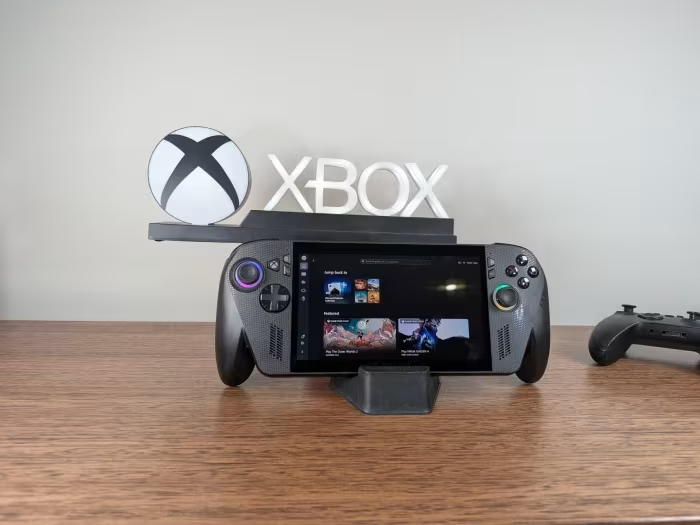
ASUS ROG XBOX ALLY X Review: A portable Windows 11 Gaming Beast in Xbox ...
Price: ₹93,000
The ROG Xbox ALLY X is an exceptionally comfortable and powerful Windows-based gaming handheld that successfully mimics the Xbox console experience. While its display tech is starting to lag behind competitors, the hardware refinements and software optimizations make it a top-tier choice for portable gaming.
Pros
- Extremely comfortable ergonomic design
- Excellent battery life and standby performance
- Powerful Ryzen AI Z2 Extreme processor
- Seamless integration with Xbox game library
Cons
- Display panel feels dated compared to competitors
- Glossy screen struggles with outdoor glare
- Requires system restart to switch between modes
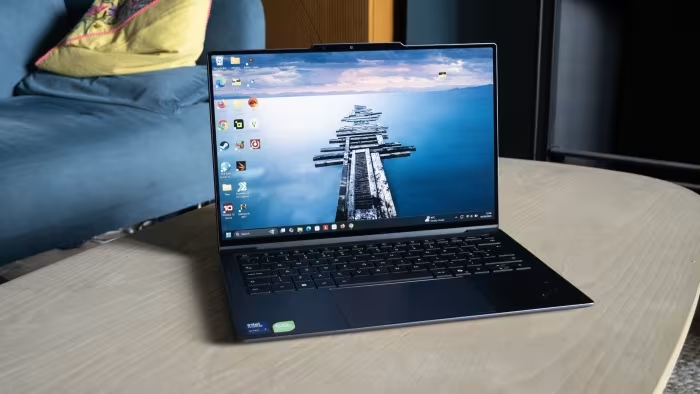
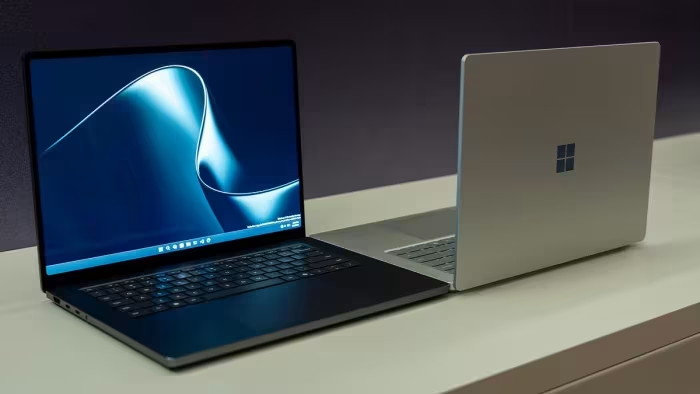
Surface Laptop Ultra hands-on review: the future for Nvidia RTX Spark an...
The Surface Laptop Ultra is an exceptionally powerful, premium Windows 11 ARM-based laptop that stands out as a serious competitor to the MacBook Pro. It offers impressive performance for creative workflows and high-end gaming in a sleek, well-cooled aluminum design.
Pros
- Premium, solid all-aluminum chassis
- Stunning 2,000-nit mini-LED display
- High-performance Nvidia RTX Spark processor
- Capable of high-end gaming at 60+ fps
- Tactile and responsive haptic touchpad
Cons
- Native app support on ARM still maturing
- Pricing details currently undisclosed
Microsoft Windows 11 Review: A Redesigned, Copilot-Powered OS | PCMag - ...
Price: ₹11,800 to ₹16,700 approx
Windows 11 is an outstanding desktop operating system that offers a modernized, consistent design and deep integration with AI through the Copilot tool. It remains a leader in usability, though it faces stiff competition from alternatives like macOS.
Pros
- Beautiful and consistent interface design
- Excellent options for window layout
- Powerful features tailored for gaming
- Useful AI integration with Copilot
- Seamless smartphone connectivity
Cons
- Start menu is less informative than Windows 10
- Performance on touch tablets is lacking
7 Windows 11 apps I install first on every laptop and desktop PC I revie...
Ninite is an essential, time-saving utility for quickly installing a curated package of free, must-have software on any new Windows PC.
Pros
- Significantly reduces new PC setup time
- Allows custom selection of preferred applications
- Completely free to use
- Simplifies mass software installation
Cons
Lenovo ThinkBook Plus Gen 5 Hybrid 2-in-1 review: Dual-boot Windows 11 a...
Price: approx. ₹2,32,000
The ThinkBook Plus Gen 5 Hybrid is a dual-boot device that feels like a jack of all trades but master of none. Its innovative hardware results in a heavier, pricier, and less refined experience than traditional convertibles.
Pros
- Good graphics performance for its class
- Versatile detachable form factor
- Dual-boot Windows 11 and Android 13
- Relatively quiet under most loads
- Removable M.2 SSD
Cons
- Hinges do not align perfectly when attaching
- Heavier than many other 14-inch laptops
- Average battery life in Windows mode
- Pricey for the performance provided
- OLED touchscreen limited to 60 Hz
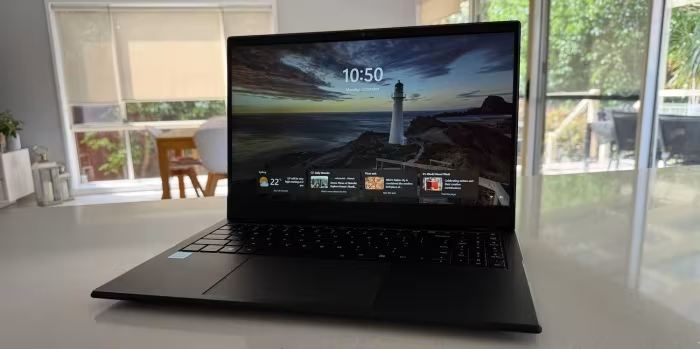
Asus ExpertBook P3 review: Enterprise-focused Windows 11 laptop on budge...
Price: Rs 64,990
The Asus ExpertBook P3 is a well-rounded, enterprise-focused laptop that offers excellent build quality, security features, and port selection for budget-conscious professionals. While its battery life and raw performance fall behind newer AI-enabled competitors, its specialized conferencing software and practical design make it a strong business tool.
Pros
- Durable build and professional design
- Versatile selection of modern and legacy ports
- Comprehensive security features including TPM 2.0
- Spill-resistant backlit keyboard
- Productivity-centric 16:10 aspect ratio display
Cons
- Modest battery life compared to modern Windows PCs
- Does not feature the latest AI-enabled processors
- Rigid touchpad click mechanism
- AI ExpertMeet software currently has functional limitations
ALLDOCUBE iWORK GT Ultra 2025 Review: Windows 11 2-in-1 for Productivity...
The ALLDOCUBE iWORK GT Ultra is a refined 2-in-1 upgrade that effectively addresses its predecessor's limitations in display size and multitasking. With enhanced performance and practical features, it offers excellent value for mobile professionals and students needing a capable Windows device.
Pros
- Larger, improved 13-inch 2.5K display
- Strong Intel Core Ultra 5 performance
- Includes convenient USB-A port
- Improved keyboard tactile feedback
- Lightweight design for easy portability
Cons
- Limited 60Hz refresh rate
- Stylus lacks magnetic attachment and eraser
- Discontinued SD card and mini-HDMI slots
- No 3A gaming capability
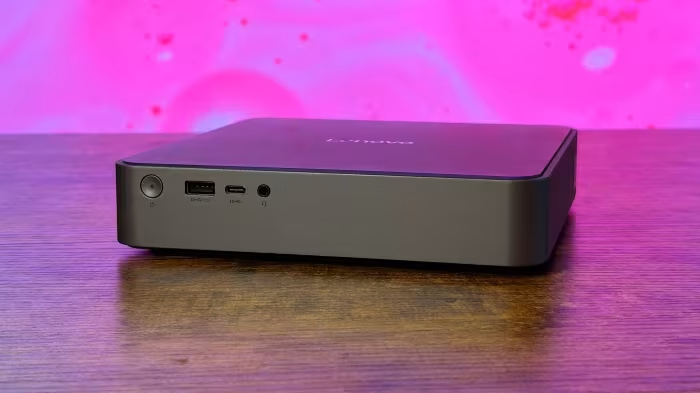
GEEKOM A8 Review - Part 2: An AMD Ryzen 9 8945HS mini PC tested with Win...
The GEEKOM A8 is a powerful, compact mini PC featuring the AMD Ryzen 9 8945HS processor, offering impressive specifications like 32GB DDR5 RAM and a 2TB NVMe SSD. It delivers solid performance in a small form factor with effective thermal management.
Pros
- High-performance AMD Ryzen 9 8945HS processor
- Upgradable RAM up to 64GB
- Includes fast 2TB M.2 NVMe SSD
- Equipped with 2.5GbE and WiFi 6E
- Improved 'IceFlow 1.5' cooling system
Cons
GEEKOM A7 review - Part 2: Windows 11 Pro tested in a compact AMD Ryzen ...
The GEEKOM A7 is a high-performance, compact mini PC featuring the powerful AMD Ryzen 9 7940HS processor and modern connectivity. It offers robust hardware specs and effective Windows 11 Pro integration for demanding users.
Pros
- Powerful AMD Ryzen 9 7940HS processor
- Fast 32GB DDR5-5600 memory
- High-speed 2.5GbE networking
- Includes WiFi 6E and Bluetooth 5.3
- Support for multiple 4K displays
Cons
Page 3 of 5