Windows 11 Review
Microsoft Windows 11
Microsoft's latest desktop operating system, emphasizing a modernized, AI-integrated interface and improved window management for diverse hardware form factors.
How This Score Is Calculated
- Sources analysed: 35 reviews
- Raw weighted average: 7.4/10
- Consensus bonus +0.3: High agreement on UI/Design
- Final score: 7.4/10
- Most reviewed featureUI/Design (22/35)
- Most praisedWindow Management
- Most criticisedStrict System Requirements
- Reviewer consensus levelHigh
Windows 11 represents a significant visual and functional refinement for Microsoft, introducing a clean, centered UI and advanced multitasking tools like Snap Layouts. While widely praised for its design consistency and gaming performance, reviewers remain divided over its strict hardware requirements—specifically TPM 2.0—and the lack of compelling reasons to upgrade from Windows 10. It is currently the standard for modern productivity and gaming, though it continues to struggle with tablet optimization.
🔧 Key Specifications
- Security: TPM 2.0 and Secure Boot required
- Gaming: DirectStorage support
- AI Integration: Microsoft Copilot
- Mobile: Amazon Appstore (Android support)
- Interface: Centered Taskbar, Fluent Design
📊 What Reviewers Say — Feature by Feature
👍 Key Strengths
- Modernized, clean UI design
- Excellent multi-window management
- Strong gaming feature support
- Enhanced security architecture
👎 Key Weaknesses
- Strict, confusing hardware requirements
- Underbaked AI implementation
- Inconsistent tablet/touch optimization
- Limited Taskbar customization
💰 Value for Money Analysis
Windows 11 is generally provided as a free upgrade for eligible hardware, making the "value" proposition dependent on the purchase of the PC itself. Retail licenses are available for approximately ₹11,800 to ₹16,700.
⚡ Where Reviewers Disagreed
- Taskbar Utility: 12 sources praise the centered taskbar for its modern aesthetic, while 8 sources argue it is less customizable and informative than the Windows 10 iteration.
🎯 Who This Product Is For
🛠️ Best Use Cases
- Professional Workstations Excellent for multitasking and security-conscious business environments. Great
- Tablet/Touch Usage Reviewers note the touch interface remains less optimized than dedicated tablet OS competitors. OK
🔀 Alternatives Mentioned by Reviewers
- macOS — The primary competitor to Windows 11, noted by reviewers for its consistent ecosystem and design, though Windows 11 is cited as having superior window management.
- Windows 10 — Often cited by reviewers as the benchmark for stability and customization, with many users opting to stay on it due to the lack of compelling new features in Windows 11.
- ChromeOS — Occasionally mentioned as a simpler, more lightweight alternative for basic browsing and student-focused tasks.
✅ Buy This If…
- You are building a new PC for gaming or professional productivity.
- You want the latest security updates and long-term software support.
❌ Skip This If…
- You rely on older software that may have compatibility issues.
- You are comfortable with Windows 10 and do not need the UI refresh.
📈 Sentiment Trends Over Time
- AI Integration — While initially a highlight, reviewers now describe Copilot as "underbaked," with sentiment flatlining over the last year.
Windows 11 is a polished, visually appealing operating system that excels in productivity and gaming. While it is the necessary future for Windows users, its strict hardware requirements and under-optimized tablet mode keep it from being a perfect successor to Windows 10. It is a solid, reliable choice for most modern users, though not a mandatory upgrade for those with perfectly functioning older systems.
Reviewer Perspectives & Source Breakdown
Microsoft Windows 11 review: A visual refresh, nothing more | IT Pro - i...
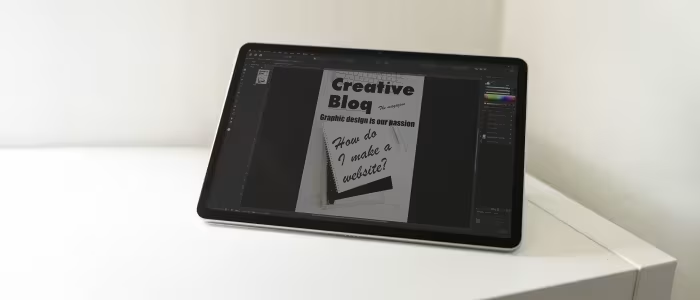
Windows 11 offers a cleaner, more coherent UI and improved window management features. However, confusing system requirements and a lack of compelling reasons to upgrade from Windows 10 remain significant drawbacks.
Pros
- Attractive and largely coherent redesign
- Strong features for managing multiple windows and desktops
- Gentle update cycle for business users
Cons
- Confusion over system requirements
- Search functionality is still messy
- Lack of compelling reasons to leave Windows 10
Kogan Atlas E900 review - how good could a $369 Windows 11 laptop be? - ...
Price: ₹20,500 (approx)
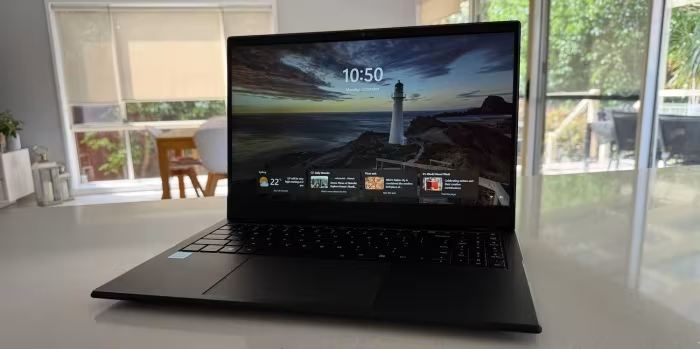
The Kogan Atlas E900 offers remarkable value for money, proving that entry-level casual laptops do not need to be expensive. It is a highly capable machine for everyday tasks like browsing, email, and document creation.
Pros
- Affordable
- Decent performance for the price
- Large 15.6-inch FHD screen
- Lots of connectivity options and ports
Cons
- No memory card slots
- Limited battery life
Mortal Kombat 11 review: One of the best fighting games ever made | Wind...
Price: ₹5,000
Mortal Kombat 11 is a stellar fighting game featuring a high-quality campaign and deep gameplay mechanics. Despite some minor visual inconsistencies and grinding requirements, it successfully continues the series' legacy.
Pros
- Spectacular visuals
- Stellar story campaign
- Many engaging play modes
Cons
- Low frame rate cutscenes
- Short campaign
- Towers require significant grinding
HP OmniBook Ultra 14-kd0083TU(DG0V4PA) Laptop (Ultra 7/16 GB/1 TB SSD/Wi...
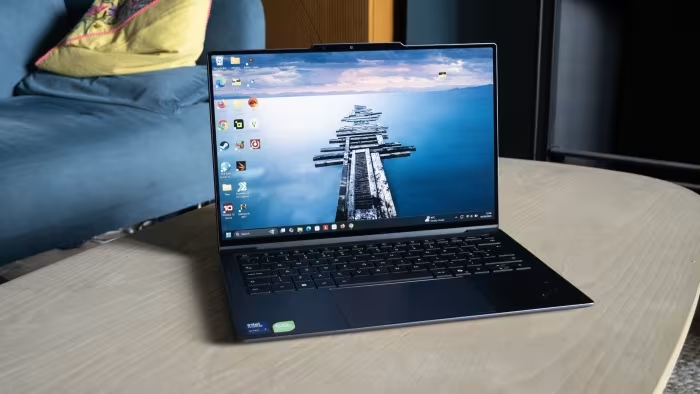
The HP OmniBook Ultra 14 offers a premium, ultra-slim design with solid build quality and an excellent typing experience. While it prioritizes aesthetics and portability, its limited port selection may require users to use dongles.
Pros
- Exceptionally sturdy aluminum construction
- Slim, portable, and refined design
- Excellent typing experience with comfortable feedback
- Clean, minimalist, and professional aesthetic
Cons
- Sharp chamfered edges feel uncomfortable
- Minimal port selection requires dongles
- Limited legacy connectivity options
Lenovo Ideapad Slim 3i 83UR009QIN Laptop (16 GB/512 GB SSD/Windows 11) L...
The Lenovo IdeaPad Slim 3i Gen 11 is a reliable everyday laptop that excels in usability and battery life. While it introduces new AI-powered hardware, its dated port selection and average build quality may hold it back for some users.
Pros
- Comfortable keyboard with numpad
- Good battery backup
- Bright IPS display
- Reliable everyday performance
Cons
- Dated port implementation
- Build feels less premium than expected
- Value proposition could be stronger
A stupid Windows 11 requirement makes Asus' simple new Wi-Fi motherboard...
The Asus ROG Crosshair X870E Glacial is a high-end motherboard that excels in user-friendliness due to its innovative inclusion of pre-installed Wi-Fi drivers. While it carries a premium price tag, it effectively removes the common frustrations associated with driver installation during Windows setup.
Pros
- Wi-Fi drivers pre-installed on the motherboard
- Highly user-friendly setup process
- Aesthetically pleasing design
Cons
- High manufacturing cost
- Feature limited to high-end models
How to Play Prince of Persia 1989 on Windows 11 in 2026? - digitbin.com...
The 1989 classic Prince of Persia is easily playable on Windows 11 using either an open-source port or browser-based emulators. It remains an enjoyable, nostalgic experience with added modern quality-of-life cheats.
Pros
- Easy to set up via open-source ports
- Can be played directly in a web browser
- Includes modern cheat features and game customization
- Free to play
Cons
- Original monochrome graphics may not suit everyone
- Requires external port or emulator for modern systems
- Requires technical caution when downloading from the internet
AweSun Cloud KVM Q1 Review - An ultra-compact, low-cost KVM over IP solu...
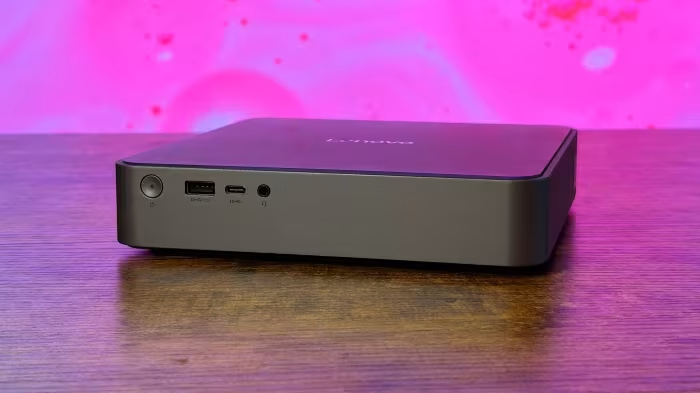
The AweSun Cloud KVM Q1 is an ultra-compact, low-cost KVM-over-IP solution that offers functional hardware-level remote access. While it lacks some ports found on larger alternatives, it is a capable device for remote management of servers and mobile devices.
Pros
- Ultra-compact and portable physical design
- Supports hardware-level remote access for BIOS
- Includes Rockchip SoC for efficient video handling
Cons
- Lacks a USB Type-A port
- Requires additional hardware for certain mobile targets
- No native Linux client for desktop control
GEEKOM GT1 Mega Review - Part 2: An Intel Core Ultra 9 185H Meteor Lake ...
The GEEKOM GT1 Mega is a capable mini PC featuring the Intel Core Ultra 9 185H processor, offering strong hardware specifications like dual 2.5GbE and Wi-Fi 7. While it packs high-end components, the thermal constraints limit the processor's maximum turbo power compared to its rated potential.
Pros
- Powerful Intel Core Ultra 9 185H processor
- Dual 2.5GbE Ethernet ports included
- Modern Wi-Fi 7 and Bluetooth support
- Generous 32GB DDR5 RAM configuration
Cons
- Lower MTP than official processor specifications
- Compact design limits maximum cooling headroom
Page 2 of 5