reMarkable Paper Pro Review
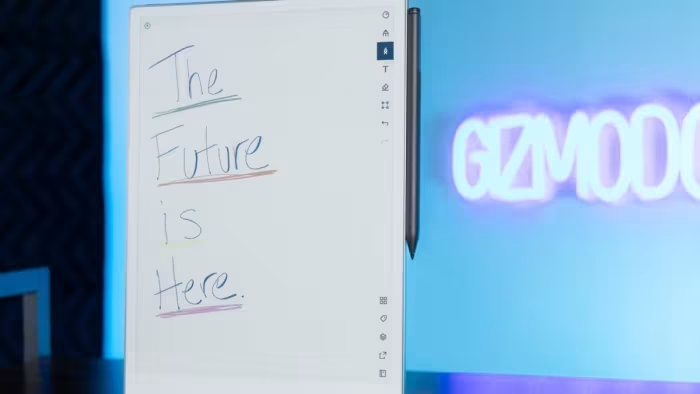
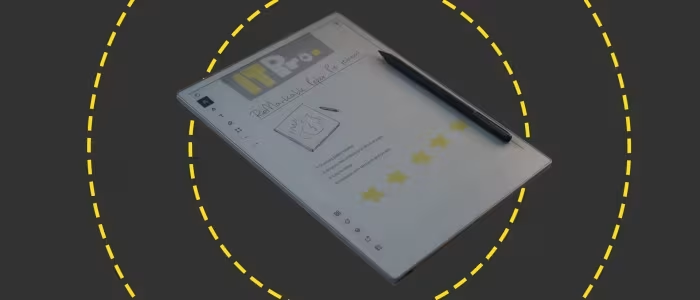
reMarkable Paper Pro
A premium, distraction-free digital writing tablet designed to mimic the tactile experience of pen on paper.
How This Score Is Calculated
- Sources analysed: 11 reviews
- Sentiment-only: 11 sources weighted 1.0×
- Raw weighted average: 7.8
- Final score: 7.8/10
- Most reviewed featureWriting Feel (11/11)
- Most praisedPaper-like tactile experience
- Most criticisedPremium price/accessories cost
- Reviewer consensus levelHigh
- Value for moneyOverpriced (4.2/10)
The reMarkable Paper Pro is widely considered the gold standard for digital note-taking, offering a tactile writing experience that is remarkably close to real paper. While reviewers praise its sleek, distraction-free interface and functional color display, the device is frequently flagged for its high price point and the added expense of necessary accessories. It is an ideal tool for professionals and dedicated writers who prioritize focus, though casual users may find the cost difficult to justify.
🔧 Key Specifications
- Display: Color E Ink Gallery display
- Build: 100% recycled aluminum
- Lighting: Built-in adjustable reading light
- Storage: Expanded internal storage
- Battery: Long-lasting
- Compatibility: Google Drive, Dropbox, OneDrive
💲 Price Range
Approximately ₹37,500 – ₹57,000 ($499 base)
📊 What Reviewers Say — Feature by Feature
Features evaluated across 11 sources.
👍 Key Strengths
- Unmatched paper-like writing feel
- Distraction-free, focused interface
- Premium aluminum build quality
- Useful cloud storage integrations
👎 Key Weaknesses
- Very high price point
- Expensive mandatory accessories
- Subscription-locked software features
- Slow screen refresh speeds
💰 Value for Money Analysis
Reviewers almost universally agree that the device is expensive, especially when factoring in the cost of the Type Folio and stylus. While the hardware quality is premium, the gating of features behind a subscription service adds to the perceived high cost of ownership.
⚡ Where Reviewers Disagreed
- Performance: Some reviewers praise the responsiveness of the new color display, while others highlight significant screen refresh limitations and general slowness compared to traditional tablets.
🎯 Who This Product Is For
🛠️ Best Use Cases
- Note-taking: Excellent for conferences and meetings due to the distraction-free interface.
- Sketching: High-quality feel makes it great for creative ideas, though grayscale precision has its limits.
- Focused Reading: The inclusion of an adjustable reading light makes it suitable for night reading.
🔀 Alternatives Mentioned by Reviewers
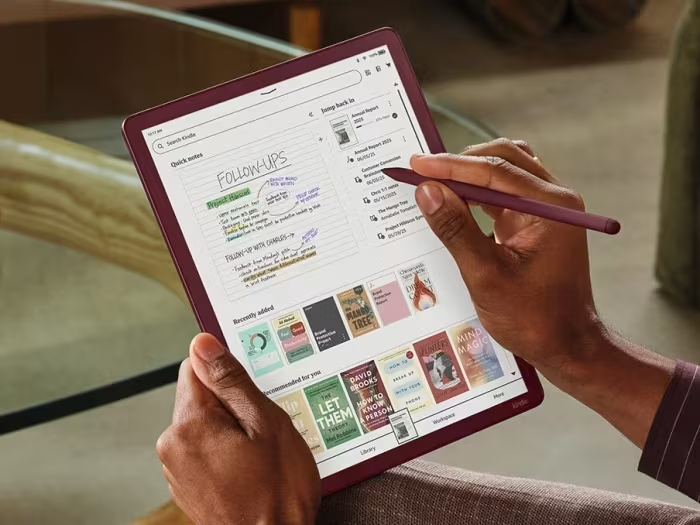
- Kindle Scribe Colorsoft — A larger 11-inch competitor with high-quality display and robust security features; reviewers note it is a strong alternative for those already in the Amazon ecosystem.
- BOOX Note Air4 C — Offers Android-based flexibility and more storage, making it a better choice for users who need a more versatile, app-heavy tablet experience.
- reMarkable 2 — The predecessor to the Pro; while it lacks color and a front light, it is still cited as a viable, albeit older, option for those on a budget.
🛒 Buyer's Guide
✅ Buy This If…
- You prioritize a distraction-free writing experience above all else.
- You want the best possible tactile paper-like feel on a digital device.
- You are a professional needing a structured way to organize notes.
❌ Skip This If…
- You are on a strict budget.
- You need a fast, multi-purpose tablet for web browsing or complex app use.
- You dislike subscription-based software models.
📈 Sentiment Trends Over Time
- Hardware Quality — Consistently praised as premium and durable throughout the review cycle.
The reMarkable Paper Pro stands out as the ultimate tool for focused, distraction-free writing, offering an unmatched tactile experience. While its high price and subscription model are significant drawbacks, the hardware refinement is undeniable. It is a must-have for dedicated writers, though casual users should consider cheaper alternatives.
Reviewer Perspectives & Source Breakdown
remarkable paper pro move review the charm of writing the ease of digita...
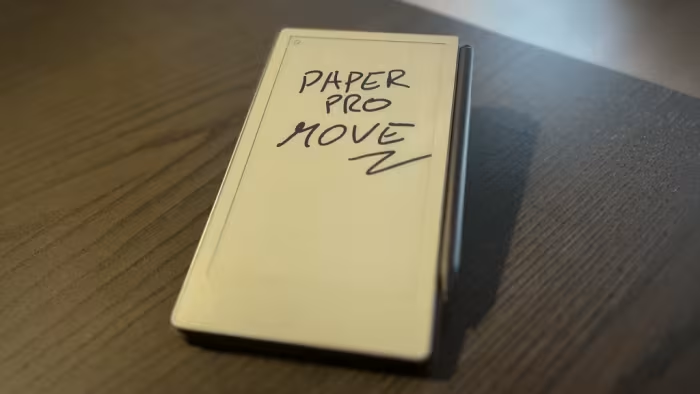
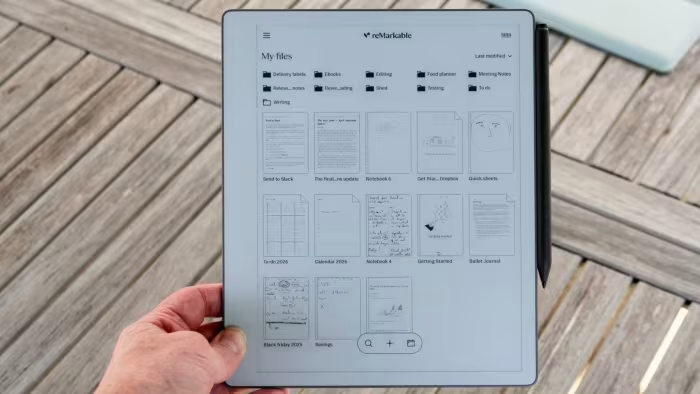
We appreciate that reMarkable allows us to enjoy the most important features even without a subscription. For example, you still have access to integrations with Google Drive, Dropbox, and OneDrive, you can convert handwritten notes into typed text, share your screen, send files via email, and use tags. The reMarkable Paper Pro Move is a compact writing tablet that can win the hearts of note-takers. With the tablet, you can take clear notes or sketch ideas during conferences or events and then organize and retrieve them in a structured way. Furthermore, the abstract interface ensures that you are fully focused on your notes, without distraction.
Pros
- Compact
- Pleasant writing experience
- Battery life
Cons
- Price
- Subscription for all features
the remarkable paper pro is officially my favorite tool for focused writ...
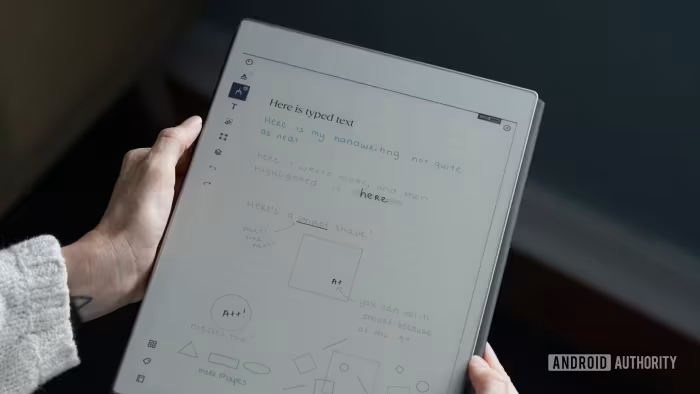
The reMarkable Paper Pro is a premium, distraction-free, large writing tablet that mimics the feel of pen on paper. It's expensive, and even more so if paired with excellent accessories like the Type Folio, but if focused, analog-style creativity with a splash of color is what you’re after, then the Paper Pro is the E-Ink tablet to buy.
Pros
- Large, notebook-sized color E-Ink display
- Backlit screen
- Distraction-free writing experience
- Attractive, portable build
- Fantastic with Type Folio keyboard case
Cons
- Expensive, and even more so with expensive accessories
- Stylus needs refinement
remarkable paper pro review a luxe digital notebook for bookwormstablets...
A Paper Pro is a gorgeous digital notebook that's an absolute pleasure a write on, but it's also a slow-loading e-reader that will cost you an arm and leg.
Pros
- Fantastic Writing Feel
- Built-in Reading Light for Night Reading
- Easy to Access and Share Notes
Cons
- Expensive
- Very Slow
Page 2 of 2