Elgato Stream Deck Review
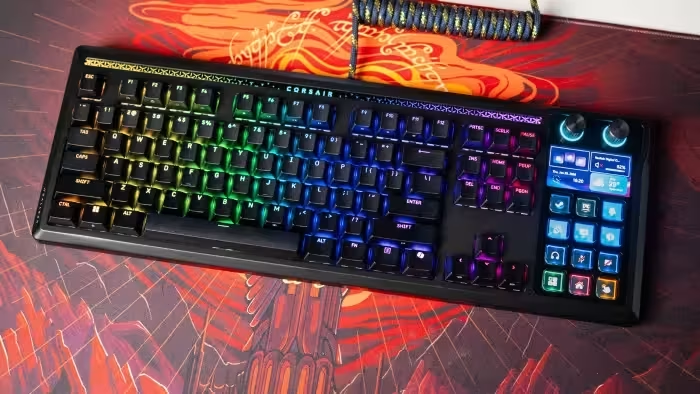
Elgato Stream Deck Series
A versatile ecosystem of customizable macro controllers designed to streamline professional streaming and productivity workflows.
How This Score Is Calculated
- Sources analysed: 17 reviews
- Explicit scores: 12 sources (weighted 1.5×)
- Sentiment-only: 5 sources (weighted 1.0×)
- Raw weighted average: 8.4
- Consensus bonus +0.3: 85% agreement on utility
Algorithmically calculated from source data.
- Most reviewed featureSoftware/Customizability (17/17)
- Most praisedWorkflow efficiency
- Most criticisedHigh price point
- Value for moneyGood Value (7.2/10)
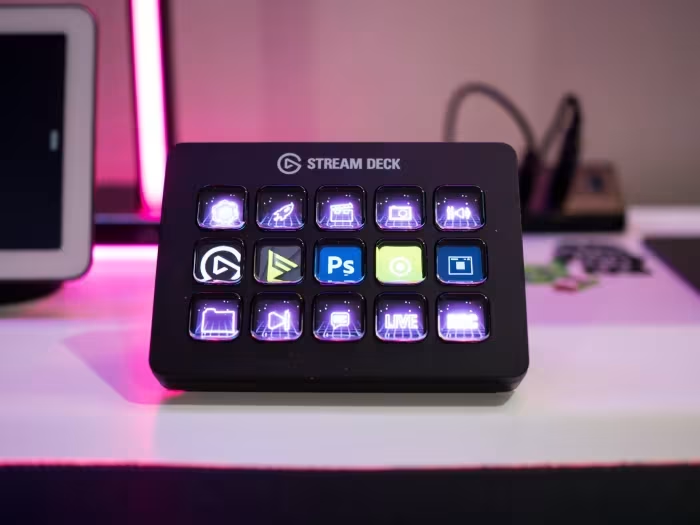
The Elgato Stream Deck family is widely regarded as the industry standard for macro control, transforming complex PC tasks into single-button operations. While individual models vary from the compact Mini to the dial-equipped Plus, the consensus praise centers on the powerful, intuitive software ecosystem that enables near-infinite automation. While the hardware is consistently lauded for its build quality, reviewers note that the premium pricing makes these devices a specialized investment rather than a casual purchase.
🔧 Key Specifications
- Connectivity: USB-C (some models USB-A)
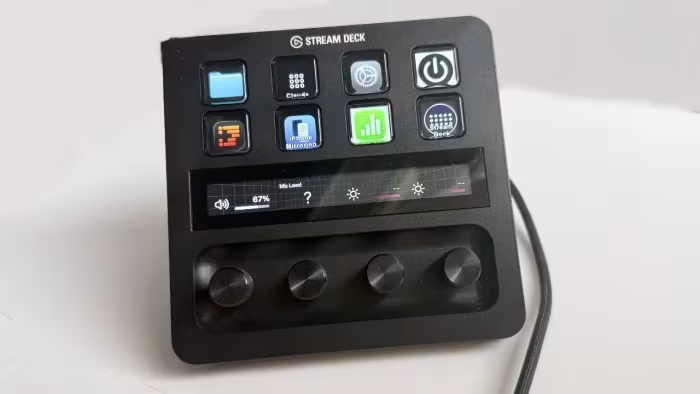
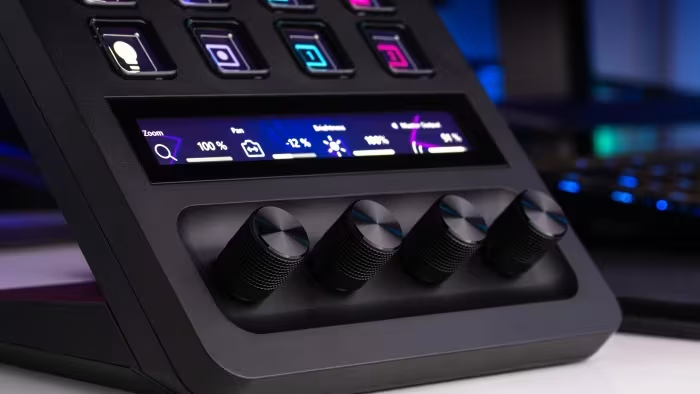
- Input Types: LCD Buttons, Rotary Dials (Plus model), Touch Strip
- Software: Elgato Stream Deck App (Free)
- Build: Plastic with swappable faceplates (MK.2)
- Mounting: 1/4-inch thread (Scissor Keys model)
- Compatibility: Windows and macOS
💲 Price Range
₹8,300 – ₹21,500
Prices vary by model (Mini, MK.2, Plus, Neo).
📊 What Reviewers Say — Feature by Feature
17 features evaluated across 17 sources.
👍 Key Strengths
- Infinite automation via software
- Excellent tactile LCD buttons
- Deep plugin ecosystem
- Easy plug-and-play setup
- Sleek, durable design
👎 Key Weaknesses
- High entry price
- Steep learning curve for advanced tasks
- Limited dial support in some apps
- Some models lack haptics
- Requires manual setup for niche plugins
💰 Value for Money Analysis
Reviewers generally consider the Stream Deck a high-quality investment for serious creators. While the entry-level models offer good value, the higher-end Plus version is often described as a premium tool that requires a specific need for rotary dials to justify its cost.
12 of 17 sources commented on price or value.
⚡ Where Reviewers Disagreed
The following areas saw meaningful disagreement across sources.
- Dial Integration: 4 sources praised the dials on the Stream Deck+, while 3 sources criticized them for lacking sufficient plugin support and context.
🎯 Who This Product Is For
🛠️ Best Use Cases
- Live BroadcastingUnrivaled control for scene switching, audio mixing, and live chat moderation.Great
- Creative WorkflowPerfect for assigning complex shortcuts in software like Premiere Pro or Photoshop.Great
- System ManagementExcellent for controlling PC lighting, volume, and hardware settings via rotary dials on the Plus model.Good
🔀 Alternatives Mentioned by Reviewers
- Loupedeck Live — Frequently cited as the primary competitor, noted for its flatter, more ergonomic design, though some reviewers feel the Elgato software ecosystem is more robust.
- RODEcaster II — Mentioned as a higher-end, more expensive alternative for audio-centric workflows, though it lacks the visual macro-button interface of the Stream Deck.
- GoXLR — Noted as a discontinued predecessor in the audio space; the Stream Deck+ is often recommended as the logical modern replacement.
- Stream Deck Mini / XL — Internal product alternatives; the Mini is recommended for budget-conscious users, while the XL is suggested for users needing maximum button density.
Alternatives sourced exclusively from reviewer mentions.
🛒 Buyer's Guide
✅ Buy This If…
- You are a streamer looking to professionalize your broadcasts.
- You frequently use complex macros in creative software.
- You want a tactile, visual interface for system control.
❌ Skip This If…
- You are a casual user who only needs basic keyboard shortcuts.
- You are on a very strict budget and don't require external hardware.
⚠️ Things to Check Before Buying
- Ensure your preferred software has existing plugin support within the Marketplace.
- Consider whether you need the rotary dials of the Plus model or if a standard button-only model suffices.
- Verify your desk space, as some units may require a non-slip base or specific mounting.
📈 Sentiment Trends Over Time
Reviews span from early iterations to the latest Plus and Neo models.
- Hardware Tactility — Newer models, particularly the scissor-switch versions, have significantly improved the physical feedback compared to older membrane-based units.
The Elgato Stream Deck remains the gold standard for macro-control hardware, offering a perfect marriage of robust, user-friendly software and high-quality tactile hardware. While the price point is steep, its ability to centralize and automate complex workflows makes it an essential tool for serious creators. For most users, the MK.2 offers the best balance, though the Plus is the superior choice for those requiring rotary control. If you are a professional streamer or creator, this is an investment that will pay dividends in workflow efficiency.
Top Alternative: Loupedeck Live — A strong competitor that offers a different ergonomic approach for those who prefer a flatter, more integrated profile.
Reviewer Perspectives & Source Breakdown
Elgato Stream Deck Mini review: All your streaming actions and enhanceme...
Price: Approximately 8,300 INR
The Elgato Stream Deck Mini is a refined, compact, and affordable version of the original, offering sufficient functionality for most streamers. It simplifies streaming workflows by making complex actions manageable with a single button press.
Pros
- OLED keys provide excellent flexibility
- Small and durable design
- Perfect for home or travel use
- Inexpensive price point
Cons
- Software feels slightly clumsy
- Requires manual configuration
- No default or recommended setup options
Elgato Stream Deck Neo Review: Shortcut Buttons For Everyone - howtogeek...
Price: approx. ₹8,300
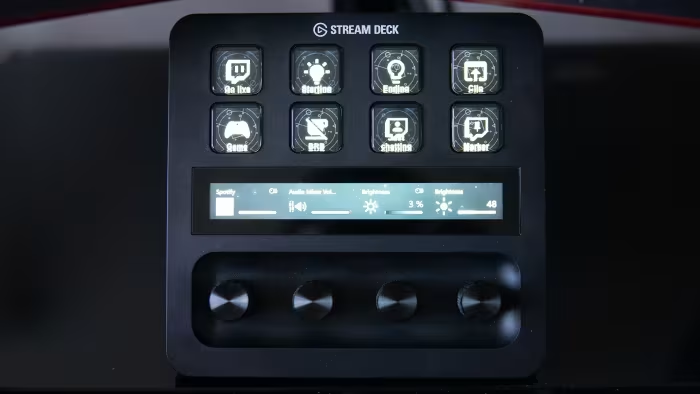
The Elgato Stream Deck Neo is an excellent, compact, and affordable entry-level controller for casual users. While the software could be more intuitive, the hardware offers a great balance of functionality for desktop automation.
Pros
- Minimal desk footprint
- Simplified design with eight LCD keys
- Convenient built-in touch points for navigation
Cons
- Wired connection occupies a USB-C port permanently
- Stream Deck software needs further refinement
- Touch-sensitive areas can be unresponsive
Elgato Stream Deck Plus Review - Moving Beyond Livestreams - Pokde.Net -...
Price: 21,500 INR
The Elgato Stream Deck Plus is an exceptionally versatile tool that enhances productivity for both streamers and professionals. Its combination of LCD keys, dials, and touch strip makes it an indispensable addition to any workstation.
Pros
- XLR Dock matches high-end audio interfaces
- Drives gain-hungry microphones easily
- Extensive functions with buttons, dials, and touch strip
- Excellent, free software and marketplace support
- Works seamlessly on Windows and Mac
- Easy setup via single USB-C connection
Cons
- High price point
Elgato Stream Deck Review | PCMag - pcmag.com...
Price: ₹12,500
The Elgato Stream Deck is a highly effective, customizable shortcut tool that streamlines broadcasting for serious streamers. While not essential for casual users, it offers satisfying and efficient control over streaming software and macros.
Pros
- Genuinely useful streaming tool
- Simple setup with small footprint
- Satisfying to use
- Super-customizable interface with macro options
Cons
- Price makes it for hardcore streamers only
- Not every program is supported
Elgato Stream Deck+ Review: Potential to Dial in Productivity - howtogee...
Price: Approx. ₹16,500
The Stream Deck+ is a well-designed, functional controller that introduces tactile dials to the classic Stream Deck interface. While the hardware is impressive, the limited selection of dial-compatible plugins and the reduction in physical buttons may make the standard button-heavy models a better choice for some users.
Pros
- Dials provide a satisfying, tactile response
- Modern, updated physical design
- Bright and easy-to-read touchscreen
- Dials work well for system settings and lighting
Cons
- Limited number of plugins supporting the new dials
- Includes older USB-A cable instead of USB-C
- Base could benefit from more weight
- Fewer physical buttons compared to the MK.2 model
Elgato Stream Deck+ Review: Dialled In? - Alex Reviews Tech - alexreview...
Price: Approximately ₹18,000
The Elgato Stream Deck+ is a highly customizable and well-built productivity tool. While the buttons offer great utility, the dial controls are limited in scope and integration, making it a potentially expensive choice if you don't need those specific features.
Pros
- Quite flexible device
- Not just for online streamers
- Works nicely with many software applications
Cons
- Dials are not sufficiently configurable
- Expensive if you only need the buttons
- Angled orientation does not suit all workflows
Elgato Stream Deck + Review - Review 2022 - PCMag Middle East - me.pcmag...
Price: ₹20,700
The Stream Deck + is an excellent addition to the Elgato ecosystem, offering enhanced versatility through its touch panel and tactile dials. It simplifies complex adjustments, making it a powerful tool for both streamers and productivity users.
Pros
- Excellent build quality
- Versatile adjustable dials
- Great integration with Elgato products
Cons
- Certain dial features lack context
Elgato Stream Deck review — Key to excellence - gamingtrend.com...
The Elgato Stream Deck is an excellent, versatile device that streamlines streaming, editing, and gaming workflows. Its user-friendly design and highly customizable software make it a powerful tool for any content creator.
Pros
- Sleek and functional design
- Support for interchangeable custom faceplates
- Easy plug and play setup
- Simple, intuitive drag and drop software
- Vast library of icons on the Marketplace
Cons
- Advanced functionality lacks clear in-app explanations
Gadget Review: Elgato Stream Deck+ – Digitally Downloaded - digitallydow...
The Elgato Stream Deck+ is a highly versatile and useful productivity tool that extends beyond its primary purpose for streamers. While the setup process is time-consuming, its ability to streamline workflows makes it an essential device for any PC user.
Pros
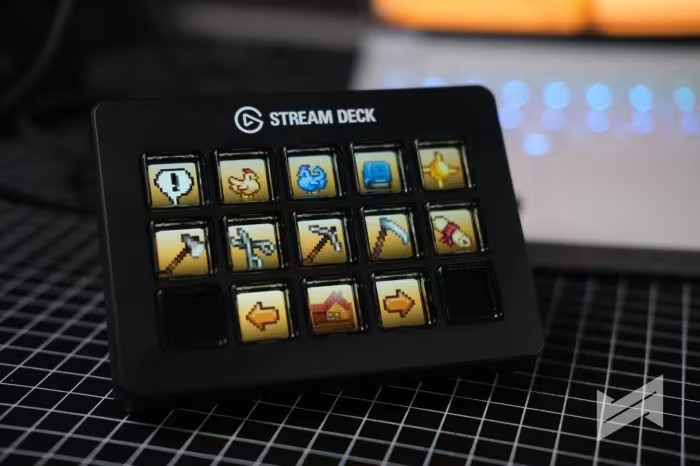
- Highly customizable with macros and shortcuts
- Bright and contextual LCD keys
- Useful for both streamers and general productivity
- Firm and responsive button feedback
Cons
- Steep learning curve for configuration
- Initial setup is time-consuming
- Included USB cable is too short
Page 1 of 2