Apple Creator Studio Review
Apple Creator Studio
A powerful, subscription-based software bundle for Mac and iPad, integrating professional creative tools with AI-driven workflow enhancements.
How This Score Is Calculated
- Sources analysed: 10 reviews
- Explicit scores: 0 sources (weighted 1.5×)
- Sentiment-only: 10 sources (weighted 1.0×)
- Split: 8 Positive · 2 Mixed · 0 Negative
- Raw weighted average: 8.4
- Formula: Σ(score × weight) ÷ Σ(weight)
- Review period: January 2026
- Value sources: 7 of 10 mentioned price or value
- Final score: 8.4/10
- Most reviewed featureValue/Subscription (7/10)
- Most praisedCross-platform Integration
- Most criticisedSubscription model lock-in
- Reviewer consensus levelHigh
- Value for moneyExcellent Value (8.6/10)
Apple Creator Studio is a high-value subscription suite that bundles industry-standard creative tools like Final Cut Pro and Logic Pro with deep iPad-Mac integration. Reviewers praise its cost-effectiveness compared to individual app purchases and the addition of practical AI-driven workflow features. While it creates a cohesive ecosystem for power users, it remains strictly locked within the Apple hardware environment, which may frustrate those seeking cross-platform flexibility.
🔧 Key Specifications
Specifications sourced from reviewer mentions.
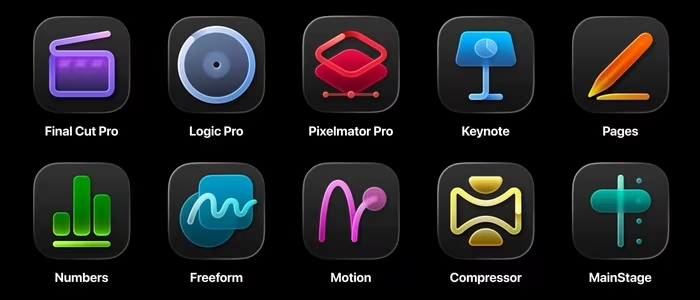
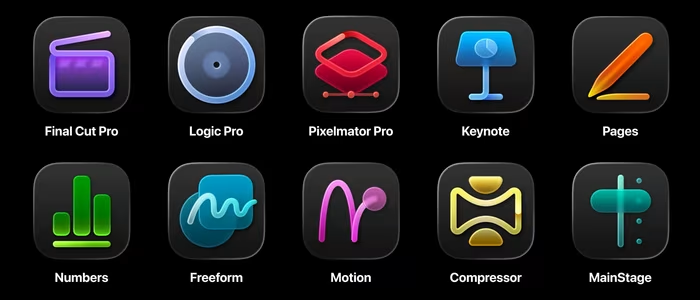
- Core Apps: Final Cut Pro, Logic Pro, Pixelmator Pro (plus others)
- Compatibility: macOS and iPadOS
- AI Features: Visual search, transcript analysis, timeline intelligence
- Storage/Sync: Seamless project syncing across Apple devices
- Subscription Perks: Family sharing included
💲 Price Range
Approx. ₹10,800–₹11,000 per year
Also available at approx. ₹1,080–₹1,100 per month.
📊 What Reviewers Say — Feature by Feature
7 features evaluated across 10 sources.
👍 Key Strengths
- Significant cost savings over individual purchases
- Excellent Mac and iPad workflow integration
- Powerful AI-driven search and editing tools
- Family sharing support included in subscription
- Coherent suite for video and music
👎 Key Weaknesses
- Locked into the Apple ecosystem
- Subscription model not for everyone
- App integration could be tighter
- Overwhelming for new creative users
- File management on iPad can be tricky
💰 Value for Money Analysis
Reviewers view this as one of Apple's best-value products, especially for students and professionals who already use multiple apps. The bundle breaks even compared to individual perpetual licenses over approximately four years.
7 of 10 sources commented on price or value.
⚡ Where Reviewers Disagreed
The following areas saw meaningful disagreement across sources.
- Integration Depth: 3 sources praised the seamless integration, while 2 sources noted that integration between individual suite apps still feels disjointed and requires improvement.
🎯 Who This Product Is For
Reviewer recommendations for different target audiences and use cases.
🛠️ Best Use Cases
- Video and Music Production Highly recommended for editors needing a cohesive suite of tools that work well together. Great
- Mobile Creative Work Ideal for users who split their time between a Mac desktop and an iPad on the go. Good
🔀 Alternatives Mentioned by Reviewers
Maximise this list. Include EVERY single competitor, rival, or alternative product mentioned in any of the source reviews.
- Adobe Creative Cloud — The direct competitor to Apple's bundle; reviewers note that while Adobe is the industry standard for cross-platform, Apple's suite offers better AI-timeline integration for Mac-native users.
- Affinity Suite — Mentioned as a major alternative that offers an all-in-one app for free, making it a strong budget-friendly competitor for graphic designers specifically.
- Blackmagic DaVinci Resolve — Frequently compared to Final Cut Pro; noted for its professional-grade color grading and project portability that sometimes exceeds Apple's current capabilities.
Alternatives sourced exclusively from reviewer mentions.
🛒 Buyer's Guide
✅ Buy This If…
- You are a student or professional who uses multiple Apple creative apps.
- You want a unified workflow between your Mac and your iPad.
- You prefer an all-in-one subscription over managing individual software licenses.
❌ Skip This If…
- You require cross-platform support for Windows or Linux.
- You are a casual user who only needs one specific app, not the whole suite.
- You strictly refuse to engage with subscription-based software models.
⚠️ Things to Check Before Buying
- Verify your iPad and Mac compatibility for the latest AI features.
- Consider if you need the full suite or if individual perpetual licenses still offer better long-term value for your specific use case.
📈 Sentiment Trends Over Time
Reviews span January 2026. The following changes were detected:
- AI Integration — Early reports suggest AI tools are becoming more refined and helpful for routine creative tasks.
Apple Creator Studio is an outstanding value for dedicated Mac and iPad users, offering a cohesive and powerful suite of professional tools. While the subscription model and ecosystem lock-in will deter some, the sheer cost savings and AI-enhanced workflow features make it a must-have for most creative professionals. If you are already invested in Apple hardware, this is the most efficient way to manage your creative software.
Top Alternative: Adobe Creative Cloud — Choose this if you require cross-platform compatibility and industry-standard collaboration tools.
Reviewer Perspectives & Source Breakdown
apple creator studio review is it worth it ProsCons...
Creator Studio might be Apple's best value product ever, certainly if you're a student, with a wealth of extremely powerful tools that admittedly not everyone will need.
Pros
- Excellent value for money
- All major software bases covered
- Some handy AI upgrades to Logic and Final Cut
Cons
- Overwhelming for new users
i tried apple creator studio to see if its worth the subscriptionbyrosie...
Apple has launched an app subscription that seems to be aimed squarely at taking down Adobe. This Creative Cloud alternative includes tools for video editing, music making and creative imaging, including the acquired Pixelmator Pro, plus updates to free apps Keynote, Pages and Numbers. Most of the apps have had quite impressive upgrades, and together they create a powerful editing suite for creatives. Whether or not people will actually want to pay for another subscription is another thing, though. And with Affinity now offering its all-in-one app for free, this feels like it's aimed more at the video and music editors than solely at designers.
Pros
- Upgrades to most apps
- Range of creative hobbies covered
- iPad and Mac work great together
Cons
- It's a subscription
- Not iPhone focused
Page 2 of 2